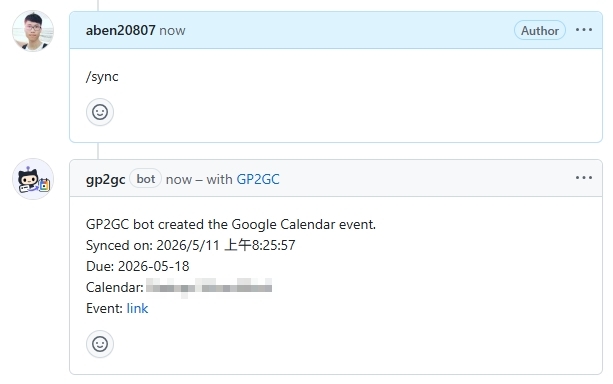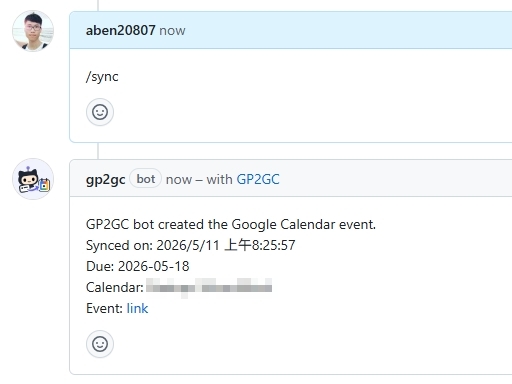
Turns GitHub Projects due dates into Google Calendar events
Prologue
This post is intended to document the setup steps for the GitHub App bot. The bot is currently private. If you are interested, please let me know.
New github app
- Personal:
https://github.com/settings/apps/new - Organization:
https://github.com/organizations/ORG_NAME/settings/apps/new
Fields
- GitHub App name: GP2GC
- Homepage URL:
https://github.com/aben20807/gp2gc-github-app - Webhook
- Webhook URL: later
- Secret: later
- Permissions
- Repository permissions: Issues (Read and write), Projects (Read and write)
- Organization permissions: Projects (Read and write)
- Subscribe to events
- Issue comment
get Private key of app
gp2gc.XXX-XXX.private-key.pem
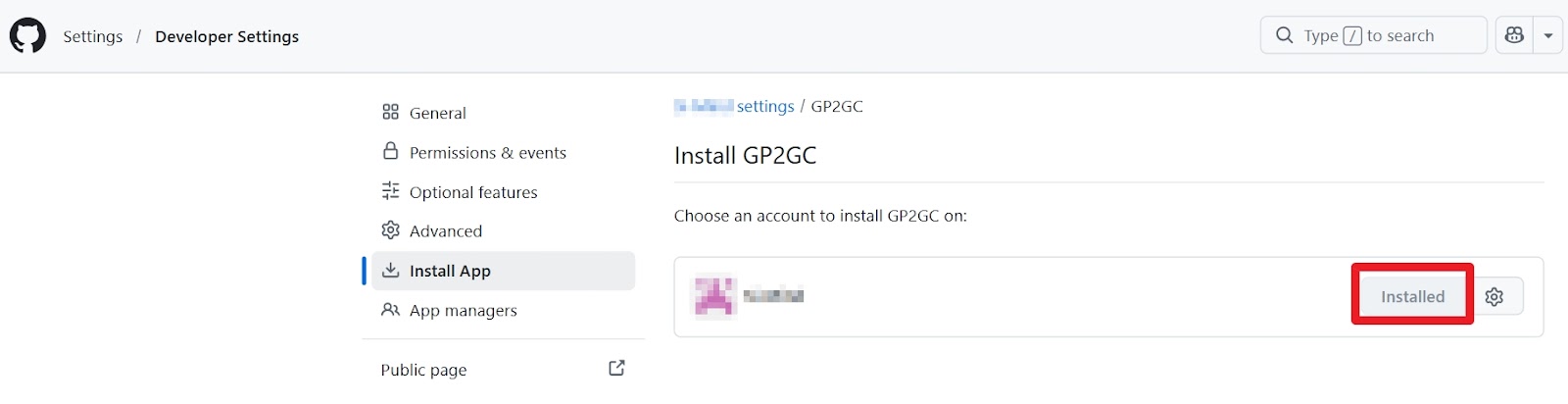
Install the app
install!
Google calendar API
- https://console.cloud.google.com/
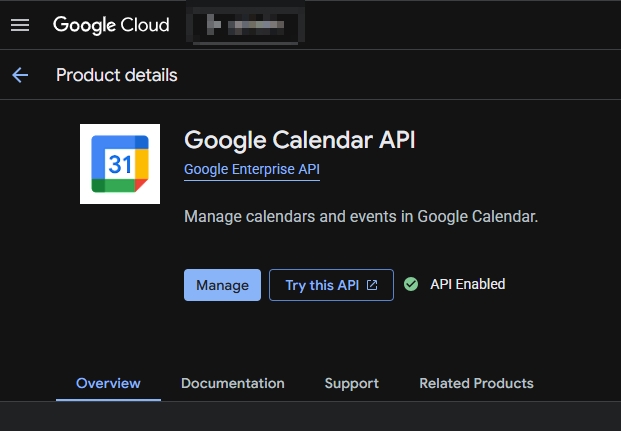
- Enable calendar API
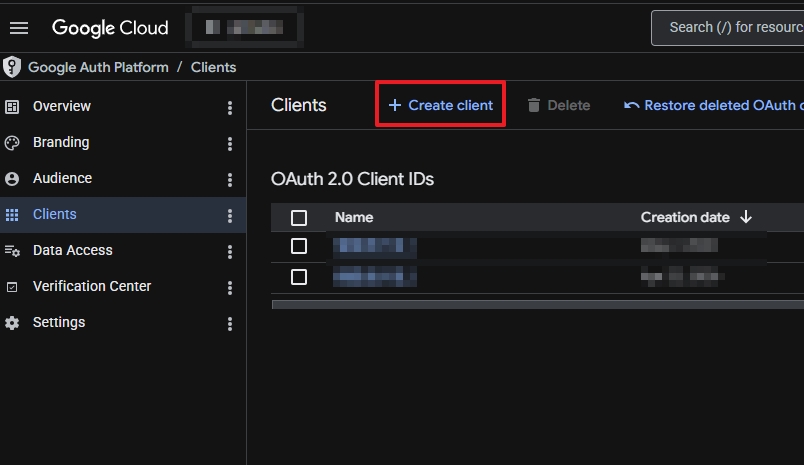
- Create client (computer application)
- Download client secret (
client_secret_XXX.apps.googleusercontent.com.json)
Google calendar API Create client
Bot
git clone https://github.com/aben20807/gp2gc-github-app && cd gp2gc-github-app
npm install
cp .env.example .env
Fields related to github
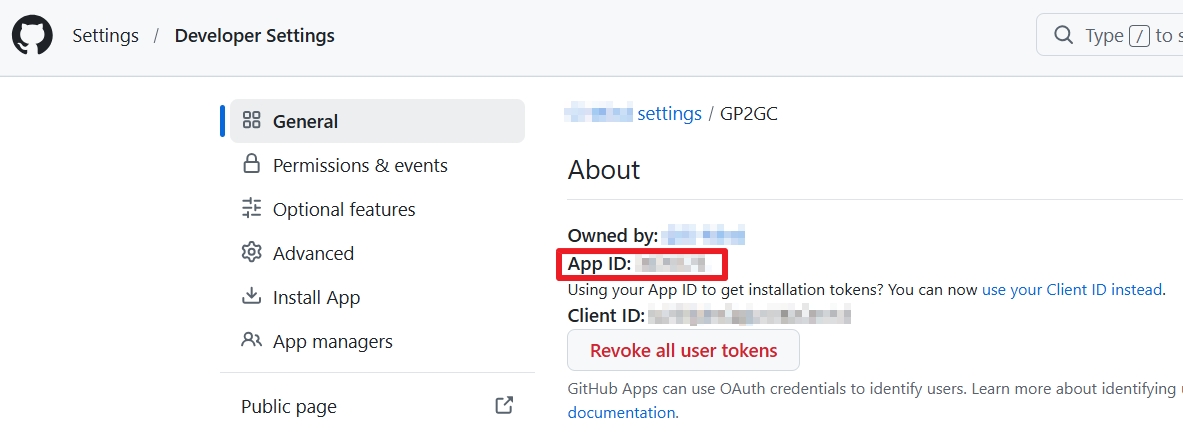
APP_ID=<Get from the github app page>
APP_ID of the bot
WEBHOOK_SECRET=<Same content as Webhook Secret>PRIVATE_KEY_PATH=./gp2gc.XXX-XXX.private-key.pem
Fields related to google calendar
GOOGLE_CALENDAR_PRIVATE_ICAL_URL=<Get from the calendar setting>
Other fields
Generate https files: npm run https:init (./tls/localhost-key.pem and ./tls/localhost-cert.pem will be generated)
WEBHOOK_TUNNEL_MODE=zrok
ZROK_BIN=zrok2
HOST=127.0.0.1
HTTPS_KEY_PATH=./tls/localhost-key.pem
HTTPS_CERT_PATH=./tls/localhost-cert.pem
google oauth2 setup
npm run google:oauth:apply -- ./client_secret_XXX.apps.googleusercontent.com.json
npm run google:oauth:init
# google-oauth-client.json and google-oauth-token.json will be generated
Start the app
- open a tmux then run
npm start - it will show a Webhook URL generated by zrok. Paste it to the github setting and Save changes
- Enjoy the bot!
GP2GC bot